Before I start any Gen AI session, I ask two questions.
“Who here has access to a paid tool?”
“Who here has written approval from your boss or department to use it for work?”
That sounds basic, but it changes everything. When approval and access are already settled, the conversation becomes more honest. People stop arguing about whether they can use AI, and start confronting whether they know how to use it properly.
And that’s where the real myths show up.
Not the dramatic stuff. The quiet assumptions that make people waste time, produce weak output, or use AI in ways that create unnecessary risk.
Below are the common myths I hear in Malaysian workplaces — corporate, GLC, public sector, SMEs — and what’s actually true when you’re trying to get work done responsibly.
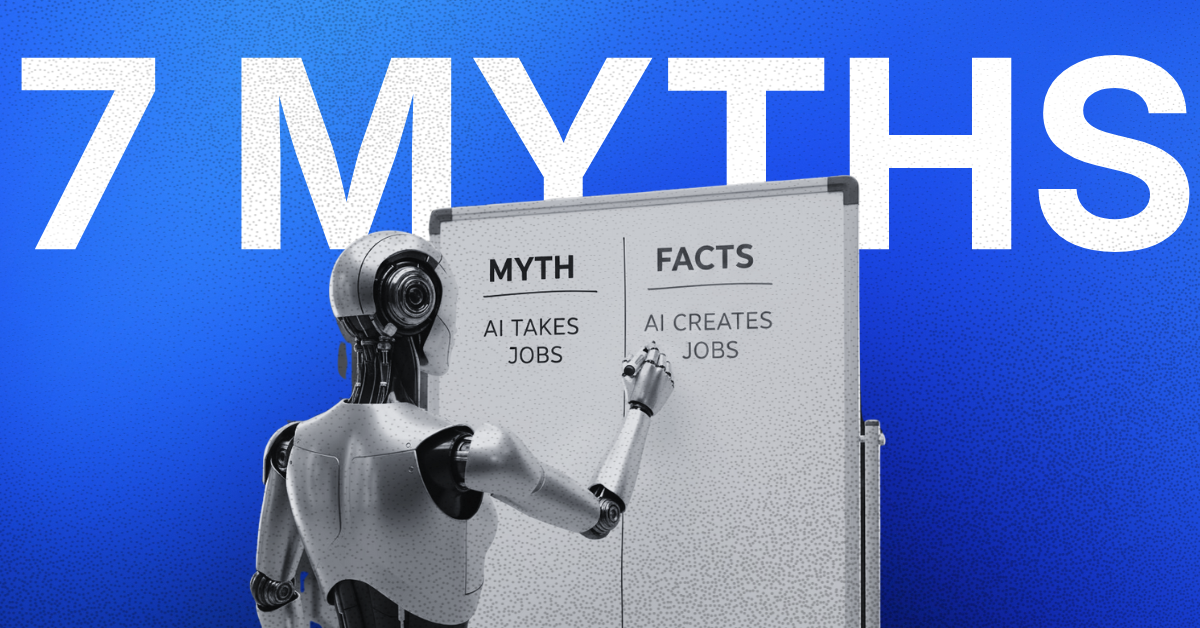
Myth 1: “AI will replace everyone.”
What’s actually true
AI replaces chunks of tasks, not whole jobs — especially in the kind of work most of us do.
In training, I see it clearly: people don’t lose their value because AI can draft faster. They lose value when their role is only drafting, only formatting, only rewriting what someone else already decided.
The parts that remain stubbornly human are the parts that carry consequences:
- judgement
- accountability
- context
- knowing what should not be said
AI doesn’t delete the need for humans. It reveals how much of the day was spent doing work that isn’t the job.
Practical takeaway: don’t ask, “Will AI replace roles?”
Ask, “Which tasks are eating our day that aren’t the job?”
Myth 2: “AI is basically Google. Just ask and you’ll get the right answer.”
What’s actually true
AI is not a search engine. It’s a drafting engine.
It can help you produce a good first draft quickly. It can also produce something that sounds confident but is wrong. That’s why the best users treat it like a junior assistant:
- fast
- useful
- needs supervision
- should never be the final signer
In Malaysia, this matters in a very practical way. A confident error in a memo or letter isn’t just “a mistake”. Once it’s circulated, it becomes a position people defend.
Practical takeaway: AI is safe when it drafts; risky when it decides.
Myth 3: “Once staff have access, productivity will automatically improve.”
What’s actually true
Access is the easy part. Habit change is the hard part.
I’ve seen teams with paid tools still produce weak output because:
- they type one vague sentence and expect miracles
- they accept the first answer without review
- they use AI to “sound professional” instead of to think clearly
AI amplifies whatever the organisation already is. If your writing is unclear, AI can help you produce more unclear output faster.
Practical takeaway: adoption is not a licensing problem. It’s an operating model problem.
Myth 4: “Since we have approval, it’s safe to use AI for anything.”
What’s actually true
Approval is not the same as a boundary.
Even when the boss says “yes”, staff still need a clear line between:
- safe use (low risk, high value)
- unsafe use (sensitive data, contractual exposure, reputational risk)
A workable starting line for most organisations:
Safe to do (usually):
- rewrite your own text (remove names and identifiers)
- improve clarity and tone in emails
- summarise meeting notes you already wrote
- create outlines, templates, checklists, SOP drafts
- turn bullet points into formal writing (memo/letter/report section)
Avoid unless your organisation explicitly allows it:
- personal data (IC numbers, phone numbers, addresses)
- client contracts, tender documents, legal matters
- internal investigations, disciplinary cases
- anything classified, protected, or politically sensitive
- uploading datasets “just to see”
This isn’t legal advice. It’s basic risk discipline. If you wouldn’t paste it into a WhatsApp group, don’t paste it into an AI tool.
Practical takeaway: “Yes, you may use it” must come with “here’s what not to feed it”.
Myth 5: “AI is only useful for creative work.”
What’s actually true
In most workplaces, the first real wins are not creative. They’re administrative.
AI helps most when work involves:
- drafting and rewriting
- converting formats (notes → minutes, minutes → memo)
- summarising long text into a brief
- building templates for repeat work
- cleaning up language to fit tone and formality
When you do this properly, people feel it immediately because it removes quiet time-wasters — the 30 minutes rewriting a paragraph, the 45 minutes making a “nice” email, the one hour trying to structure a report section.
Practical takeaway: start with the documents you touch every week, not the flashy stuff.
Myth 6: “We need a perfect prompt framework first.”
What’s actually true
You don’t need a framework to start. You need a better briefing habit.
Most poor output comes from poor briefing:
- no audience stated
- no context given
- no format requested
- no constraints provided (tone, length, language, structure)
A simple briefing habit fixes most of it:
- Who am I writing as?
- Who is this for?
- What’s the situation?
- What output shape do I want?
That’s not “prompt engineering”. That’s just learning how to give instructions properly — the same skill you need when delegating to a human.
Practical takeaway: prompting isn’t a trick. It’s briefing.
Myth 7: “AI is too risky. Better to lock it down tightly.”
What’s actually true
Overly tight controls don’t create safety. They create workarounds.
If people have approval but still don’t have:
- shared templates
- safe boundaries
- review habits
- a place to ask questions
…then usage becomes inconsistent, quality becomes random, and the organisation starts seeing AI as “unreliable”.
Some IT and compliance teams handle this well. The problem is many rollouts stop at the approval stage and never build the daily discipline that makes usage safe and useful.
Practical takeaway: governance isn’t saying “no”. It’s designing “how”.
What works in real workplaces
Here’s what I’ve seen actually stick once access and approval are in place.
1) Start with one workflow, not 30 use cases
Pick a recurring pain point:
- email replies
- minutes and summaries
- weekly updates
- report drafting
- proposal first drafts
Make it boring. Boring scales.
2) Set review rules instead of prompt rules
The risk isn’t people “prompting wrong”. It’s people sending output without thinking.
Two simple rules:
- humans verify facts, names, dates, numbers
- humans own the final wording and decision
3) Build shared templates
Give staff ready-to-use templates for:
- email replies in your organisation’s tone
- memo structures
- minutes formatting
- report section drafts
Templates reduce variance and stop people from reinventing the same wheel.
4) Create a simple boundary list
Write down what’s allowed and what’s not. Keep it short. Make it visible. Update it.
5) Run practice loops, not one-off training
Short practice beats long lectures:
- demo (10 minutes)
- hands-on (20 minutes)
- share output (10 minutes)
- refine templates (10 minutes)
Repeat weekly for a month and you’ll see real behaviour change.
A simple 30/60/90-day operating model
Days 1–30: Safe use + basic habits
- Confirm access and approval (done)
- Define the safe vs avoid boundaries
- Pick 1 high-frequency workflow
- Create 5–8 templates for that workflow
- Teach review habits (facts, names, tone, numbers)
Output: staff can produce useful drafts safely and consistently.
Days 31–60: Standardise + reduce variance
- Collect real examples from staff (good and bad)
- Refine templates based on actual output
- Add one extra check for high-risk documents
Output: fewer “AI gave weird output” incidents and more consistent writing quality.
Days 61–90: Integrate + automate where sensible
- Identify steps that can be automated safely (routing, formatting, reminders)
- Build a simple workflow using existing tools (no big overhaul)
- Publish a small internal playbook for new hires
Output: AI becomes part of the daily work system, not a side activity.
Readiness checklist
Access and permission
- Staff have access to an approved tool
- Staff have written approval to use it for work
- We are clear on which teams can use it and for what types of documents
Boundaries
- We have a clear “safe vs avoid” list
- Staff understand what counts as sensitive data in our context
- We have a rule: AI drafts, humans decide
Use case focus
- We chose 1–2 high-frequency workflows to start
- We have shared templates for those workflows
- We can measure improvement in a basic way (time saved or fewer revisions)
Quality control
- Staff are trained to verify facts, names, dates, and numbers
- High-risk documents have an extra human check
- We refine templates using real examples, not theory
If you can tick most of this, you’re ready to get value out of AI without drama. If you can’t, that’s fine too. It just means the first job isn’t “more training”. The first job is building a simple system around usage.

By Ali Reza Azmi
Founder & Consultant @ Twenty-Four Consulting
By Ali Reza Azmi
Founder & Consultant @ Twenty-Four Consulting
Related Posts