Registration Open

Two workshops. One unfair advantage.

AI to scale your operations. Canva to grow your visibility. Built for entrepreneurs, startup founders, solopreneurs, small teams, or anyone who wants to level up fast.

Workshop 1

Gen AI Beyond the Prompt

Monday 22 June · Full day
Trainer: Ali Reza Azmi
24 seats only

Workshop 2

Canva for Visibility

Monday 29 June · Full day
Trainer: Li Chong (Onion)
24 seats only

Bundle

AI + Canva · Both Days

22 + 29 Jun · 9am–5pm both days
Led by Ali & Onion
Save RM99!

Workshop 1

Gen AI Beyond the Prompt

by Ali Reza Azmi

A full day on embedding AI into how your business actually runs. We go past basic prompting into master prompts, custom AI agents, and automations you build yourself. Walk in using AI occasionally. Walk out with real workflows and a 90-day plan to make it compound.

  • Monday, 22 June 2026

  • 9am – 5pm

  • Led by Ali Reza Azmi

  • Intermediate to Advanced Level

  • Limited to 24 seats. First come, first served.

Prerequisite: You’ve used ChatGPT, Claude, or Gemini before. You know what a prompt is. You’re here because AI isn’t yet embedded in how your business operates.

What you’ll learn

Where you are, where you’re going, and what to point AI at. Tour Claude, ChatGPT, Gemini, and Grok: what each does best and where each falls short. Diagnose your AI maturity with the 4-Level Capability Ladder.

Build a personal task inventory that becomes your north star for the rest of the day. Every prompt, agent, and automation you build connects back to a task on your list.

The core skill. RTCO (Role, Task, Context, Output) isn’t a beginner tip, it’s a reliability system that eliminates randomness from your AI outputs.

Build two master prompts against your real business tasks. Learn prompt chaining, hygiene, pro questions, and meta-prompting: using AI to write your prompts for you.

Move beyond prompts. Build a Custom GPT or Gemini Gem trained on your business context, tone of voice, and preferred output format.

Generate slides with Gamma and Canva, run document analysis with NotebookLM, draft communications that stay in your voice, and produce automation scripts using Office Scripts or Apps Script. No coding needed.

Open workshop time. Apply everything to your own business while Ali works the room. Rework your current workflows by integrating Gen AI at the right points to increase speed and volume.

Leave with working outputs, not just notes. Close with a 90-day implementation plan and an accountability partner.

Who this workshop is for

  • Founders and solopreneurs stuck at Level 1 or 2 on the AI Capability Ladder who know it can do more
  • Small team leads (2 to 20 people) who want AI embedded in daily operations
  • Service-based businesses: consultants, agencies, accounting, legal, recruitment, training
  • Anyone paying for AI tools but only getting 10% of the value

What you walk out with

  • RTCO Prompt System with two master prompts built for your business
  • A custom GPT or Gemini Gem trained on your business context
  • A draft AI-generated slide deck for a real use case
  • A NotebookLM setup loaded with your own documents
  • Communication patterns that stay in your voice
  • One working automation script for a recurring task
  • Personal task inventory mapped to AI opportunities
  • 90-day implementation roadmap and accountability partner

Workshop 2

Canva for Visibility.

by Onion Lim

A Canva-focused day for individuals, founders, and small teams who needs to create professional visuals without a design background.

  • Monday, 29 June 2026

  • 9am – 5pm

  • Led by Onion Lim (Li Chong)

  • Beginner to Intermediate

  • Limited to 24 seats. First come, first served.

What you’ll learn

Canva has hundreds of features. You only need to master the right 15. We’ll walk through the interface, core tools, and the difference between Free and Pro that actually moves the needle.

You’ll get the keyboard shortcuts, the Canva Apps worth using, and the time-saving extensions that turn 30-minute jobs into 5-minute ones. The stuff power users do differently.

Posters and presentations are the most-requested designs in any business — and the easiest to mess up. This module goes deep on layout, typography, colour, and visual composition for both formats.

You’ll learn how to find the right templates fast, adapt them to your brand, and create posters that actually communicate (not just decorate) and decks that hold attention from start to finish.

Plus the practical stuff: presenter view, using your phone as a clicker, animations that look professional.

Canva is the foundation, but it’s not the whole stack.

Onion closes the day with a strategic overview of the broader content engine — the tools, formats, and patterns behind brands that actually grow online. We’ll cover video editing tools like CapCut, the different content formats that work today (viral videos, carousels, infographics, and more), and walk through specific brand case studies to see how they built their visibility.

It’s a strategic overview — so you leave knowing exactly which tools to add next and why.

The day is only valuable if it translates into real changes in how you create. We close with a recap of the key takeaways, an open Q&A, and a clear forward path — so the skills you’ve built compound long after the session ends.

You’ll also receive a post-workshop resource pack: templates, references, and continued learning materials, plus an introduction to the 24CO community and further training paths.

Walk out with a complete set of design artefacts, a Brand Kit ready to use, a roadmap for content tools beyond Canva, and the confidence to communicate visually at a professional level.

Who this workshop is for

  • Founders and solopreneurs who are their own marketing department
  • Small teams without a designer who need professional, on-brand materials
  • Existing Canva users who want to unlock more advanced features and workflows
  • Anyone who wants to look professional across every piece of content their business puts out

What you walk out with

  • Confidence with the 5 design principles every professional uses
  • Mastery of Canva’s most-used features, shortcuts, and time-saving apps
  • A roadmap of tools beyond Canva: video editing, filming setup, and content strategy
  • Insights from Onion’s real-world content workflow at 24CO
2 Workshops.
Pick One or Bundle Both​.

Pick your workshop

Single class, or bundle both and save RM99.

Gen AI Beyond the Prompt

22 June · Full day

RM499

Per person · Inclusive of 8% SST

Limited to 24 seats

  • Full-day hands-on workshop (9am to 5pm)

  • RTCO Prompt Library for sales, content, and ops

  • AI tool recommendations for your business

  • Post-workshop resource pack

  • Coffee, lunch, and parking

Both Workshops

Value

22 & 29 June · 2 Full days

RM649

RM748

Per person · Inclusive of 8% SST

Limited to 24 seats per class

  • Everything in Gen AI Beyond the Prompt

  • Everything in Canva for Visibility

  • Two full days of hands-on training

  • AI workflows + design system for your business

  • Coffee, lunch, and parking for both days

  • Save RM99

Canva for Visibility

29 June · Full day

RM249

Per person · Inclusive of 8% SST

Limited to 24 seats

  • Full-day hands-on workshop (9am to 5pm)

  • Mastery of Canva’s most-used features, shortcuts, and time-saving apps

  • Social media content strategy

  • Post-workshop resource pack

  • Coffee, lunch, and parking

Meet Your Trainers

They don’t just teach this — they use it every day to run 24CO.

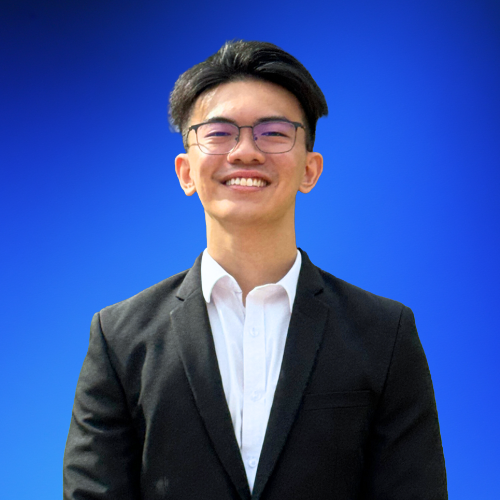
Ali Reza Azmi

Ali Reza Azmi

Trainer of Gen AI Beyond the Prompt

Built 24CO from zero to RM1M revenue in 24 months with a team of 6. Microsoft Certified Trainer since 2001. Google Cloud Authorized Trainer. He uses every tool he teaches, every day, to run the same kind of business you run.

Onion Lim

Onion Lim (Li Chong)

Trainer of Canva for Visibility

Canva Certified Enterprise Trainer and content lead at 24CO. He uses Canva daily — for social content, presentations, marketing materials, and anything visual that needs to go out fast. He’ll show you how to build the same workflows for your own work.

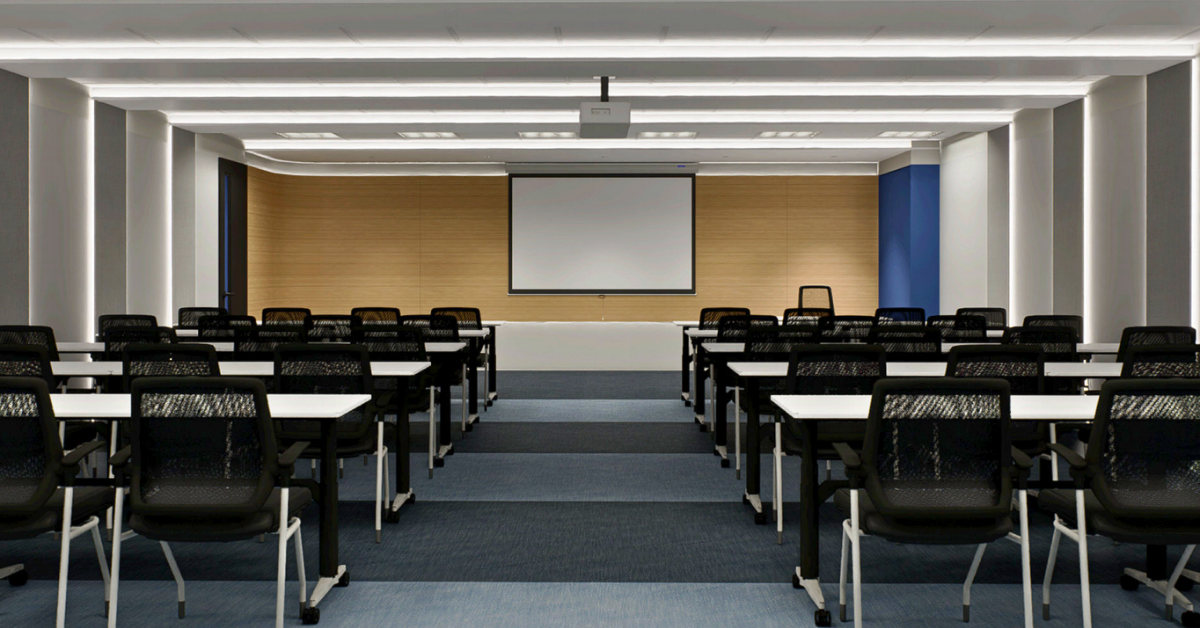
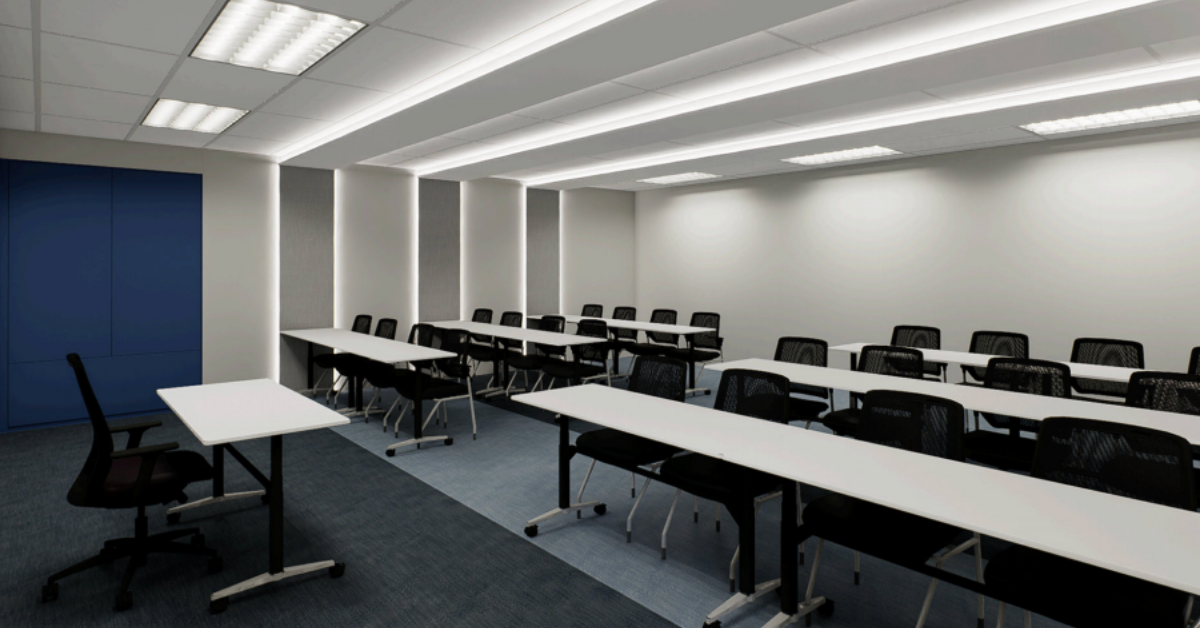
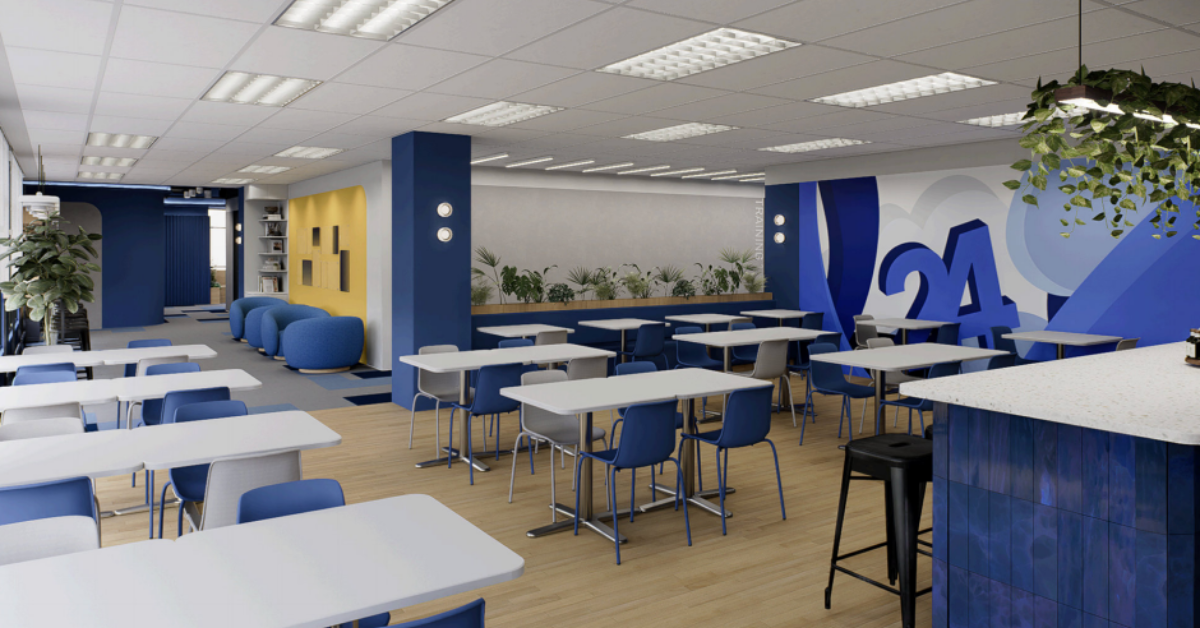
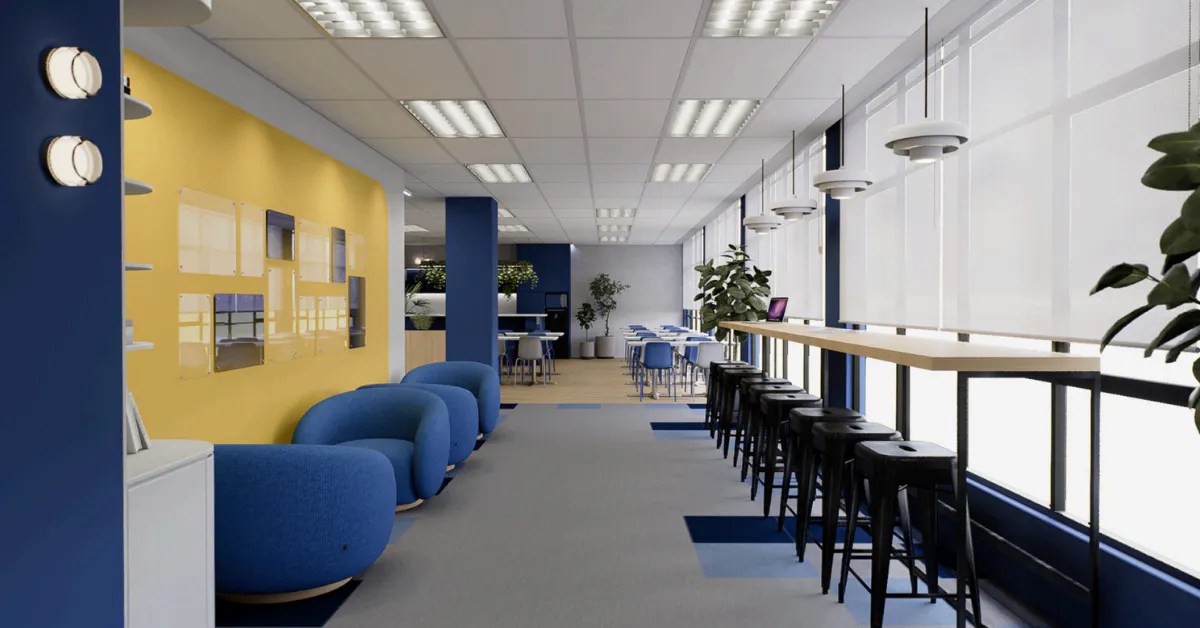
Held at our Training Hub
in Cyberjaya.

CoPlace 12, Block 3440, Jalan Teknokrat 3, 63000 Cyberjaya, Selangor

Frequently asked questions

Frequently Asked Questions

Participants are required to bring their own laptop. Wi-Fi and charging ports are provided at the venue.

Coffee, lunch, and parking are included. Arrive from 8:30am, we start at 9am sharp.

CoPlace 12, Block 3440, Jalan Teknokrat 3, 63000 Cyberjaya, Selangor

Full address and parking instructions will be sent in your confirmation email.

No. Both workshops are built for beginners and anyone can follow along regardless of background.

No — free tools are enough to participate fully. We’ll show you what free tools can do. Having a paid subscription is a bonus, but it’s not required.

Yes, the slides and a resources will be shared at the start of each session.

Yes, all participants will receive a digital certificate upon completion.

Ready to register?

Pick your session and secure your seat.

Gen AI Beyond the Prompt

22 June · Full day

RM499

Per person · Inclusive of 8% SST

Limited to 24 seats

  • Full-day hands-on workshop (9am to 5pm)

  • RTCO Prompt Library for sales, content, and ops

  • AI tool recommendations for your business

  • Post-workshop resource pack

  • Coffee, lunch, and parking

Both Workshops

Popular

22 & 29 June · 2 Full days

RM649

RM748

Per person · Inclusive of 8% SST

Limited to 24 seats per class

  • Everything in Gen AI Beyond the Prompt

  • Everything in Canva for Visibility

  • Two full days of hands-on training

  • AI workflows + design system for your business

  • Coffee, lunch, and parking for both days

  • Save RM99

Canva for Visibility

29 June · Full day

RM249

Per person · Inclusive of 8% SST

Limited to 24 seats

  • Full-day hands-on workshop (9am to 5pm)

  • Mastery of Canva’s most-used features, shortcuts, and time-saving apps

  • Social media content strategy

  • Post-workshop resource pack

  • Coffee, lunch, and parking