
Registration Open

September workshops.
Bundle all three, save 10%.

Canva, Google Workspace, or Gen AI — pick your class, or take all three.

Canva on Screen
1 Day

Canva for Visibility

Thursday, 10 September · Full day
Trainer: Onion Lim (Li Chong)
30 seats only

Google Workspace Power User
1 Day

Google Workspace Power User

Tuesday, 15 September · Full day
Trainer: Fahim Zulkafli
30 seats only

Gen AI Essentials: Skills for the AI-Powered Workplace

1 Day  Most Popular

Gen AI Beyond the Prompt

Thursday, 17 September · Full day
Trainer: Ali Reza Azmi
30 seats only

Bundle all 3 Workshops and save 10% (RM100+)

Workshop 1

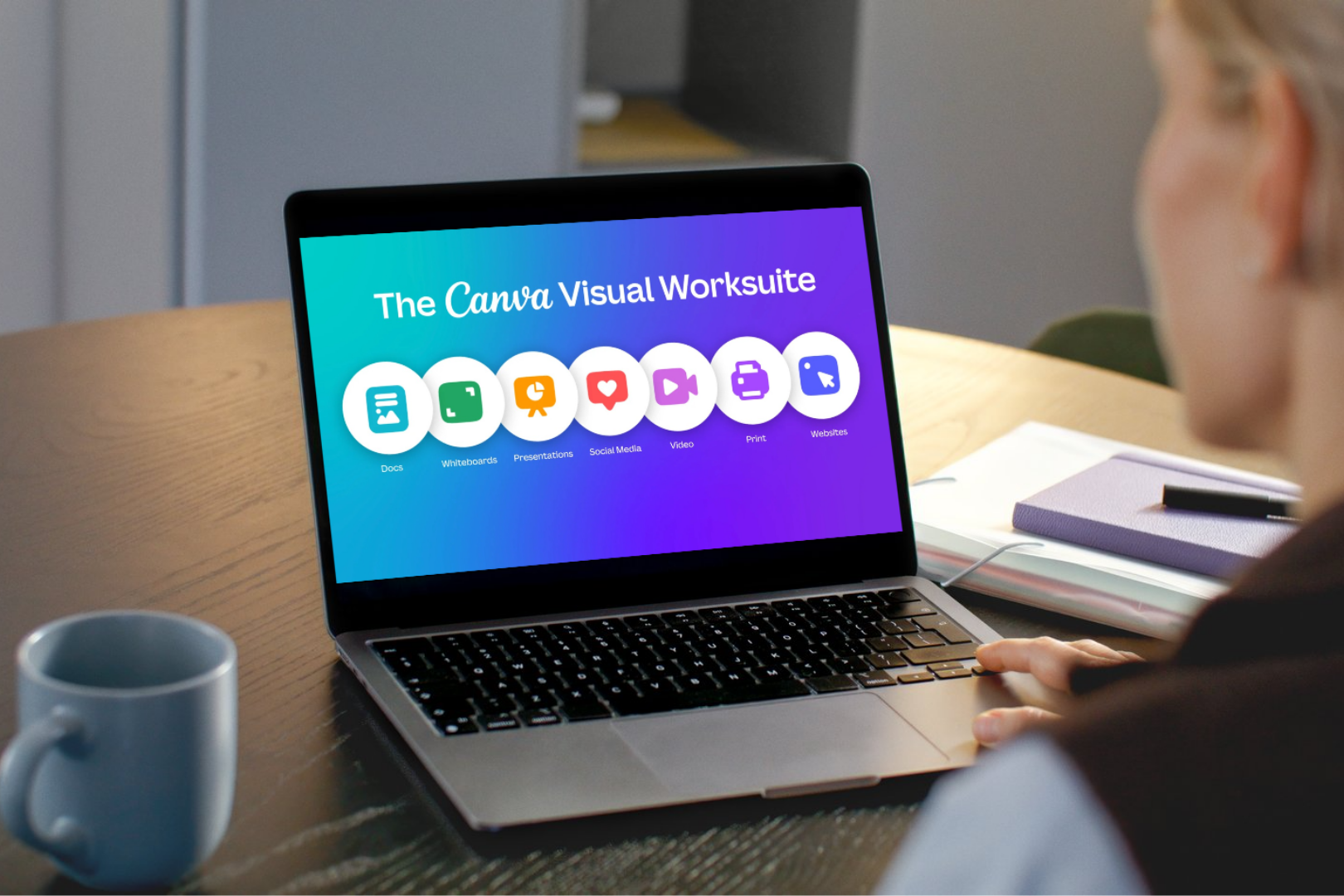
Canva for Visibility.

by Onion Lim

A Canva-focused day for individuals, founders, and small teams who needs to create professional visuals without a design background.

  • Thursday, 10 September 2026

  • 9am – 5pm

  • Led by Onion Lim (Li Chong)

  • Beginner to Intermediate

  • Limited to 30 seats. First come, first served.

What you’ll learn

Canva has hundreds of features. You only need to master the right 15. We’ll walk through the interface, core tools, and the difference between Free and Pro that actually moves the needle.

You’ll get the keyboard shortcuts, the Canva Apps worth using, and the time-saving extensions that turn 30-minute jobs into 5-minute ones. The stuff power users do differently.

Posters and presentations are the most-requested designs in any business — and the easiest to mess up. This module goes deep on layout, typography, colour, and visual composition for both formats.

You’ll learn how to find the right templates fast, adapt them to your brand, and create posters that actually communicate (not just decorate) and decks that hold attention from start to finish.

Plus the practical stuff: presenter view, using your phone as a clicker, animations that look professional.

Canva is the foundation, but it’s not the whole stack.

Onion closes the day with a strategic overview of the broader content engine — the tools, formats, and patterns behind brands that actually grow online. We’ll cover video editing tools like CapCut, the different content formats that work today (viral videos, carousels, infographics, and more), and walk through specific brand case studies to see how they built their visibility.

It’s a strategic overview — so you leave knowing exactly which tools to add next and why.

The day is only valuable if it translates into real changes in how you create. We close with a recap of the key takeaways, an open Q&A, and a clear forward path — so the skills you’ve built compound long after the session ends.

You’ll also receive a post-workshop resource pack: templates, references, and continued learning materials, plus an introduction to the 24CO community and further training paths.

Walk out with a complete set of design artefacts, a Brand Kit ready to use, a roadmap for content tools beyond Canva, and the confidence to communicate visually at a professional level.

Who this workshop is for

  • Founders and solopreneurs who are their own marketing department
  • Small teams without a designer who need professional, on-brand materials
  • Existing Canva users who want to unlock more advanced features and workflows
  • Anyone who wants to look professional across every piece of content their business puts out

What you walk out with

  • Confidence with the 5 design principles every professional uses
  • Mastery of Canva’s most-used features, shortcuts, and time-saving apps
  • A roadmap of tools beyond Canva: video editing, filming setup, and content strategy
  • Insights from Onion’s real-world content workflow at 24CO

Workshop 2

Google Workspace Power User

by Fahim Zulkafli

A Google Workspace-focused day for teams and professionals who want to move past basic docs and emails into automation, dashboards, and Gemini-powered workflows.

  • Tuesday, 15 September 2026

  • 9am – 5pm

  • Led by Fahim Zulkafli

  • Intermediate to Advanced

  • Limited to 30 seats. First come, first served.

What you’ll learn

Build the backbone everything else depends on. A Drive you can actually find things in, and a Gmail that sorts itself with labels, filters, and rules.

Sharing and permissions done right, so you stop losing files and chasing access.

Turn blank pages into fast, professional output. Structure documents with styles and outlines, collaborate without version chaos, and build clean, on-brand decks with master layouts, plus live charts linked across your files.

Where beginner-to-advanced really counts. Go from SUM and IF to XLOOKUP, QUERY, and pivot tables. Clean data with validation and dropdowns, then build charts and dashboards that update themselves.

The advanced payoff. Use Gemini to draft, summarise, and analyse right inside Gmail, Docs, Sheets, and Slides, then write your first Apps Script to kill a recurring task for good. No coding background needed.

The day only matters if it changes next week. Leave with the right tool for each job, a 30-day plan for the three workflows to upgrade first, and your own template and automation library already started.

Who this workshop is for

  • Executives, administrators, and support staff who use Google Workspace every day
  • Team leads and managers who want their teams working faster and more consistently
  • Professionals switching from Microsoft Office to Google Workspace
  • Basic users ready to reach advanced, automated workflows

What you walk out with

  • An organised Drive and a self-sorting inbox
  • Reusable Docs and Slides templates in your own brand
  • A working Sheets dashboard with pivot tables and live charts
  • Gemini workflows for drafting, summarising, and analysis across Workspace
  • One working Apps Script automation running on a real recurring task
  • A personal 30-day plan and your own template + automation library

Workshop 3

Gen AI Beyond the Prompt

by Ali Reza Azmi

A full day on embedding AI into how your business actually runs. We go past basic prompting into master prompts, custom AI agents, and automations you build yourself. Walk in using AI occasionally. Walk out with real workflows and a 90-day plan to make it compound.

  • Thursday, 17 September 2026

  • 9am – 5pm

  • Led by Ali Reza Azmi

  • Intermediate to Advanced Level

  • Limited to 30 seats. First come, first served.

Prerequisite: You’ve used ChatGPT, Claude, or Gemini before. You know what a prompt is. You’re here because AI isn’t yet embedded in how your business operates.

What you’ll learn

Where you are, where you’re going, and what to point AI at. Tour Claude, ChatGPT, Gemini, and Grok: what each does best and where each falls short. Diagnose your AI maturity with the 4-Level Capability Ladder.

Build a personal task inventory that becomes your north star for the rest of the day. Every prompt, agent, and automation you build connects back to a task on your list.

The core skill. RTCO (Role, Task, Context, Output) isn’t a beginner tip, it’s a reliability system that eliminates randomness from your AI outputs.

Build two master prompts against your real business tasks. Learn prompt chaining, hygiene, pro questions, and meta-prompting: using AI to write your prompts for you.

Move beyond prompts. Build a Custom GPT or Gemini Gem trained on your business context, tone of voice, and preferred output format.

Generate slides with Gamma and Canva, run document analysis with NotebookLM, draft communications that stay in your voice, and produce automation scripts using Office Scripts or Apps Script. No coding needed.

Open workshop time. Apply everything to your own business while Ali works the room. Rework your current workflows by integrating Gen AI at the right points to increase speed and volume.

Leave with working outputs, not just notes. Close with a 90-day implementation plan and an accountability partner.

Who this workshop is for

  • Founders and solopreneurs stuck at Level 1 or 2 on the AI Capability Ladder who know it can do more
  • Small team leads (2 to 20 people) who want AI embedded in daily operations
  • Service-based businesses: consultants, agencies, accounting, legal, recruitment, training
  • Anyone paying for AI tools but only getting 10% of the value

What you walk out with

  • RTCO Prompt System with two master prompts built for your business
  • A custom GPT or Gemini Gem trained on your business context
  • A draft AI-generated slide deck for a real use case
  • A NotebookLM setup loaded with your own documents
  • Communication patterns that stay in your voice
  • One working automation script for a recurring task
  • Personal task inventory mapped to AI opportunities
  • 90-day implementation roadmap and accountability partner
3 Workshops.
Pick One or Bundle up​​.

Pick your workshop

Pick the workshop you need, or bundle all three and save 10% (RM100+).

Canva for Visibility

10 September · Full day

RM249

Per person · Excludes 8% SST

  • Limited to 30 seats

  • Full-day hands-on workshop (9am to 5pm)

  • Mastery of Canva’s most-used features, shortcuts, and time-saving apps

  • Social media content strategy

  • Post-workshop resource pack

  • Meals and parking included

Google Workspace Power User

15 September · Full day

RM249

Per person · Excludes 8% SST

  • Limited to 30 seats

  • Full-day hands-on workshop (9am to 5pm)

  • Gmail, Docs, Slides, Sheets & Drive — intermediate to advanced

  • Gemini in Workspace plus your first Apps Script automation

  • Post-workshop resource pack

  • Meals and parking included

Gen AI Beyond the Prompt

17 September · Full day

RM599

Per person · Excludes 8% SST

  • Limited to 30 seats

  • Full-day hands-on workshop (9am to 5pm)

  • RTCO Prompt Library for sales, content, and ops

  • AI tool recommendations for your business

  • Post-workshop resource pack

  • Meals and parking included

By registering, you agree to our Terms & Conditions.

Meet Your Trainers

They don’t just teach this — they use it every day to run 24CO.

Ali Reza Azmi

Ali Reza Azmi

Trainer of Gen AI Beyond the Prompt

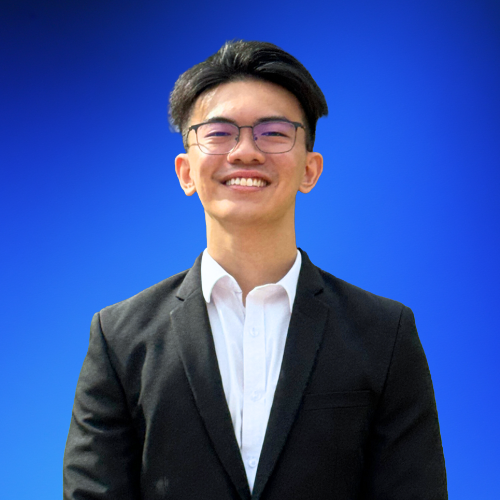
Built 24CO from zero to RM1M revenue in 24 months with a team of 6. Microsoft Certified Trainer since 2001. Google Cloud Authorized Trainer. He uses every tool he teaches, every day, to run the same kind of business you run.

Onion Lim

Onion Lim (Li Chong)

Trainer of Canva for Visibility

Canva Certified Enterprise Trainer and content lead at 24CO. He uses Canva daily — for social content, presentations, marketing materials, and anything visual that needs to go out fast. He’ll show you how to build the same workflows for your own work.

Fahim Zulkafli

Fahim Zulkafli

Trainer of Google Workspace Power User

HRD Corp Accredited Trainer and Manager of Business Operations & Human Capital at 24CO. He runs Google Workspace and Gemini programmes for government ministries and corporate teams — the same organised Drives and automations he uses to run 24CO’s own operations every day.

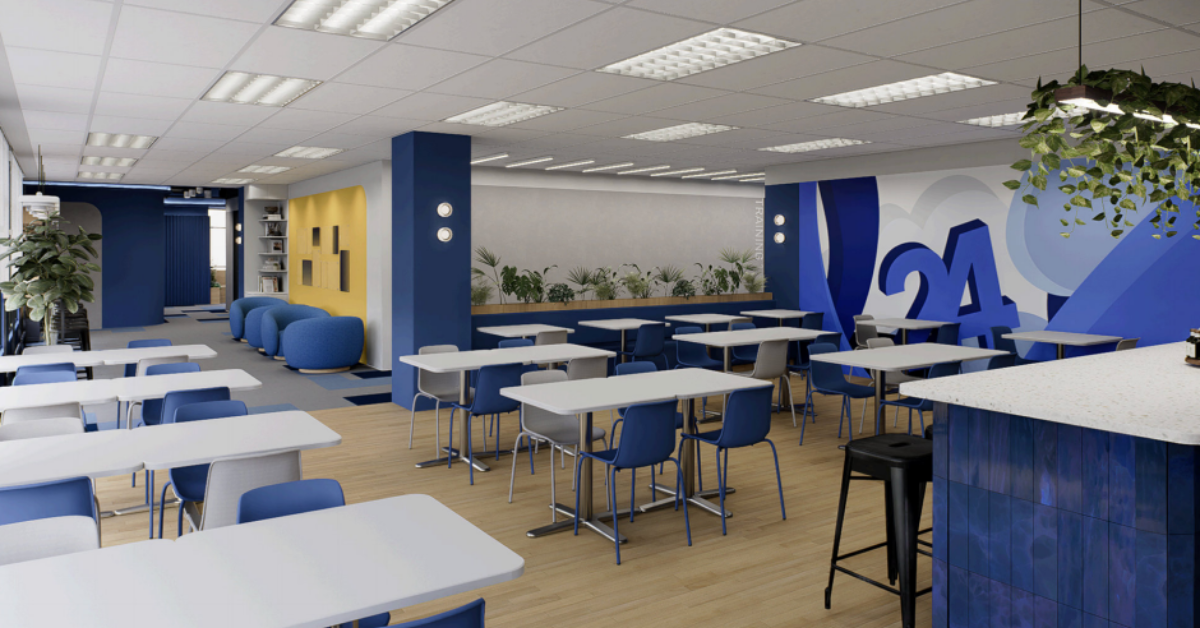
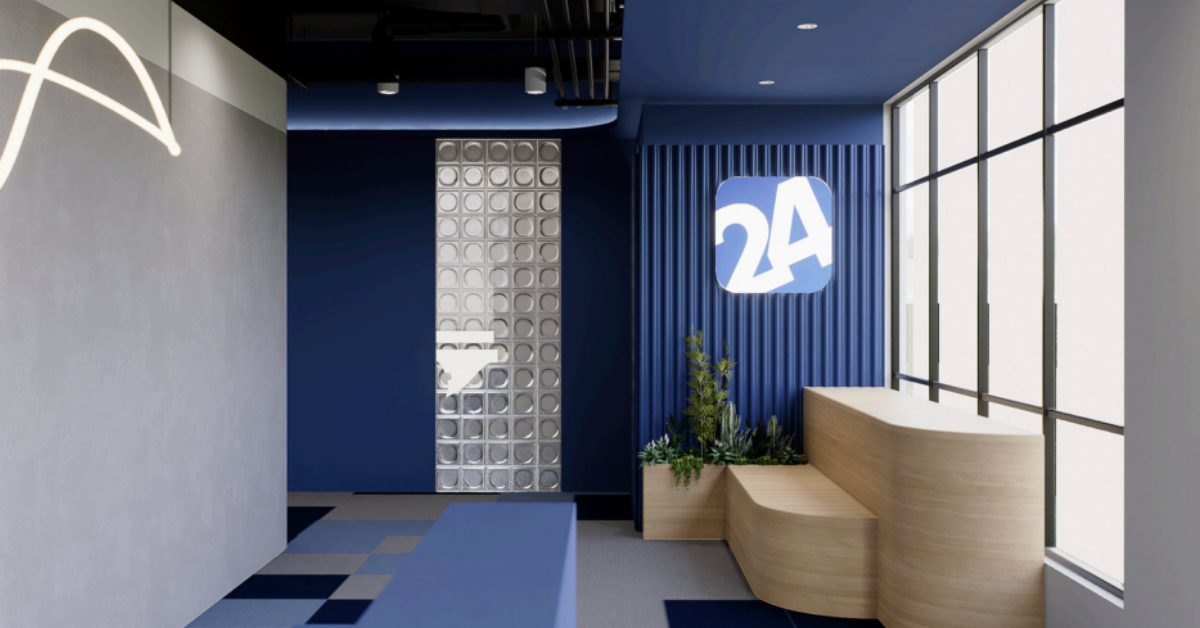
Held at our Training Hub
in Cyberjaya.

Twenty-Four Consulting (Level 2),
E-2-02 CoPlace 12, Block 3440,
Jalan Teknokrat 3, Cyberjaya,
63000 Cyberjaya, Selangor

Frequently asked questions

Frequently Asked Questions

Participants are required to bring their own laptop. Wi-Fi and charging ports are provided at the venue.

Coffee, meals, and parking are included. Arrive from 8:30am, we start at 9am sharp.

Twenty-Four Consulting (Level 2)
E-2-02 CoPlace 12, Block 3440,
Jalan Teknokrat 3, Cyberjaya,
63000 Cyberjaya, Selangor

Full address and parking instructions will be sent in your confirmation email.

No. All workshops are built for beginners and anyone can follow along regardless of background.

No — free tools are enough to participate fully. We’ll show you what free tools can do. Having a paid subscription is a bonus, but it’s not required.

Yes, the slides and a resources will be shared at the start of each session.

Yes, all participants will receive a digital certificate upon completion.

You can view our full terms and conditions here, covering payment, refunds, transfers, and rescheduling policy.

Ready to register?

Select the workshop you need, or bundle all three and save 10% (RM100+).

Canva for Visibility

10 September · Full day

RM249

Per person · Excludes 8% SST

  • Limited to 30 seats

  • Full-day hands-on workshop (9am to 5pm)

  • Mastery of Canva’s most-used features, shortcuts, and time-saving apps

  • Social media content strategy

  • Post-workshop resource pack

  • Meals and parking included

Google Workspace Power User

15 September · Full day

RM249

Per person · Excludes 8% SST

  • Limited to 30 seats

  • Full-day hands-on workshop (9am to 5pm)

  • Gmail, Docs, Slides, Sheets & Drive — intermediate to advanced

  • Gemini in Workspace plus your first Apps Script automation

  • Post-workshop resource pack

  • Meals and parking included

Gen AI Beyond the Prompt

17 September · Full day

RM599

Per person · Excludes 8% SST

  • Limited to 30 seats

  • Full-day hands-on workshop (9am to 5pm)

  • RTCO Prompt Library for sales, content, and ops

  • AI tool recommendations for your business

  • Post-workshop resource pack

  • Meals and parking included

By registering, you agree to our Terms & Conditions.